


It's been about a month since the last update, so here's a look at what's been going on. A couple of new boards are in the works or have been released, and I spent most of this week digging into VIA.
Updates
WTF60 Rev. 1.2 HS
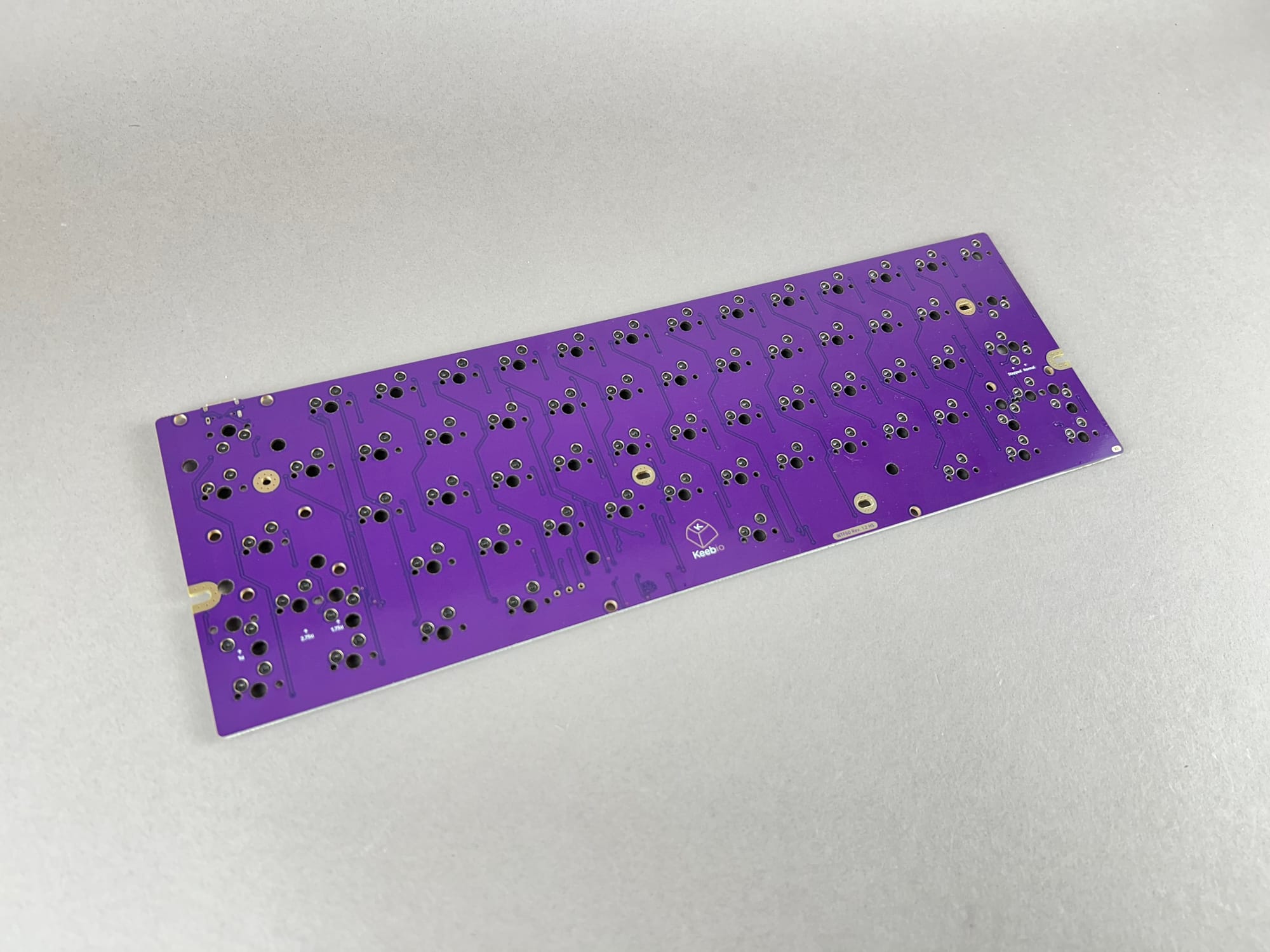
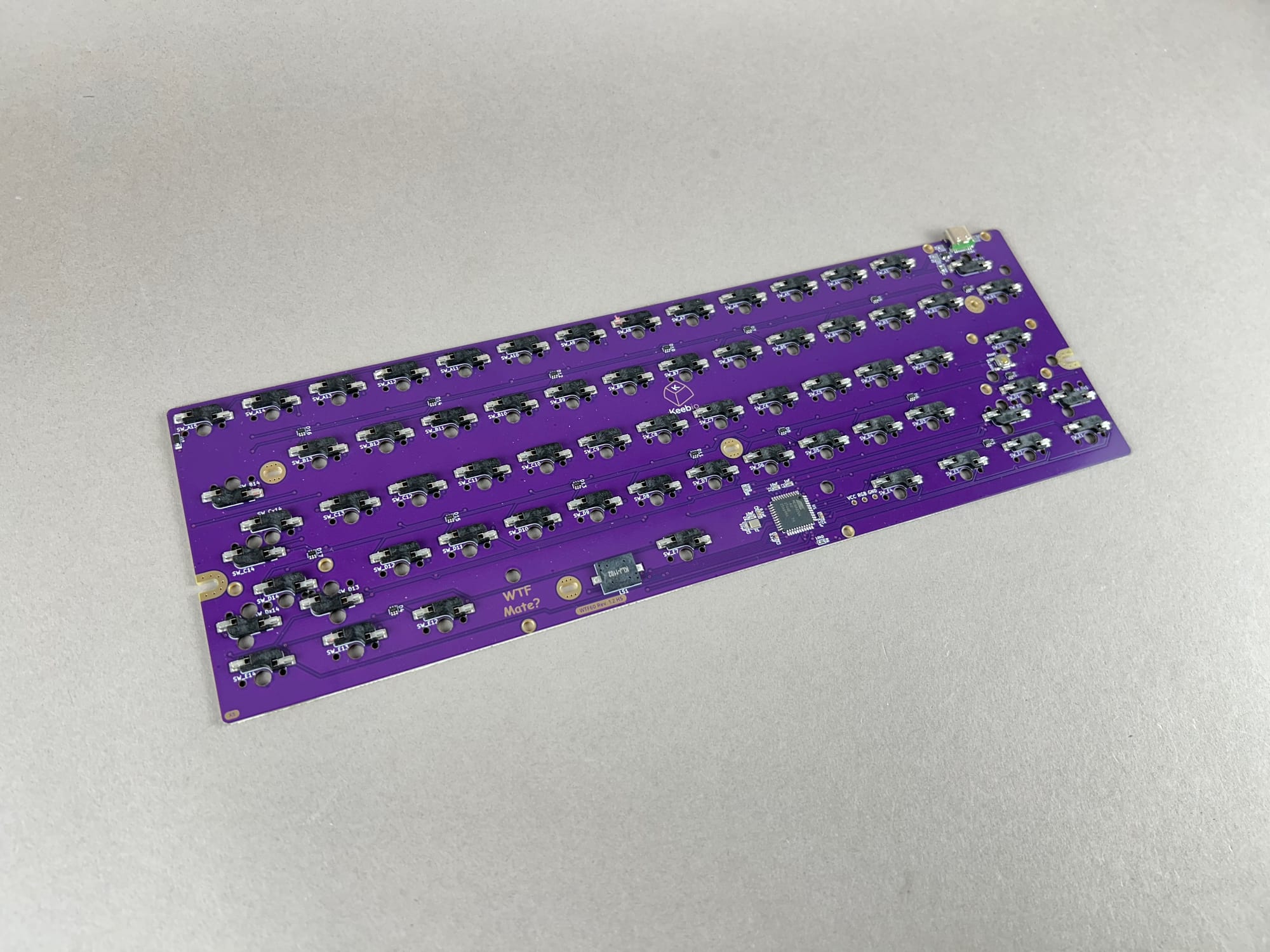
A hotswap version of the WTF60 PCB is available now. Going hotswap meant giving up some of the layout options the PCB used to support, so the alternate bottom row options and split backspace are gone on this one. Most people probably didn't use those alternate options anyway.
LM Waypoint - Kailh Choc V2 Switch Tester
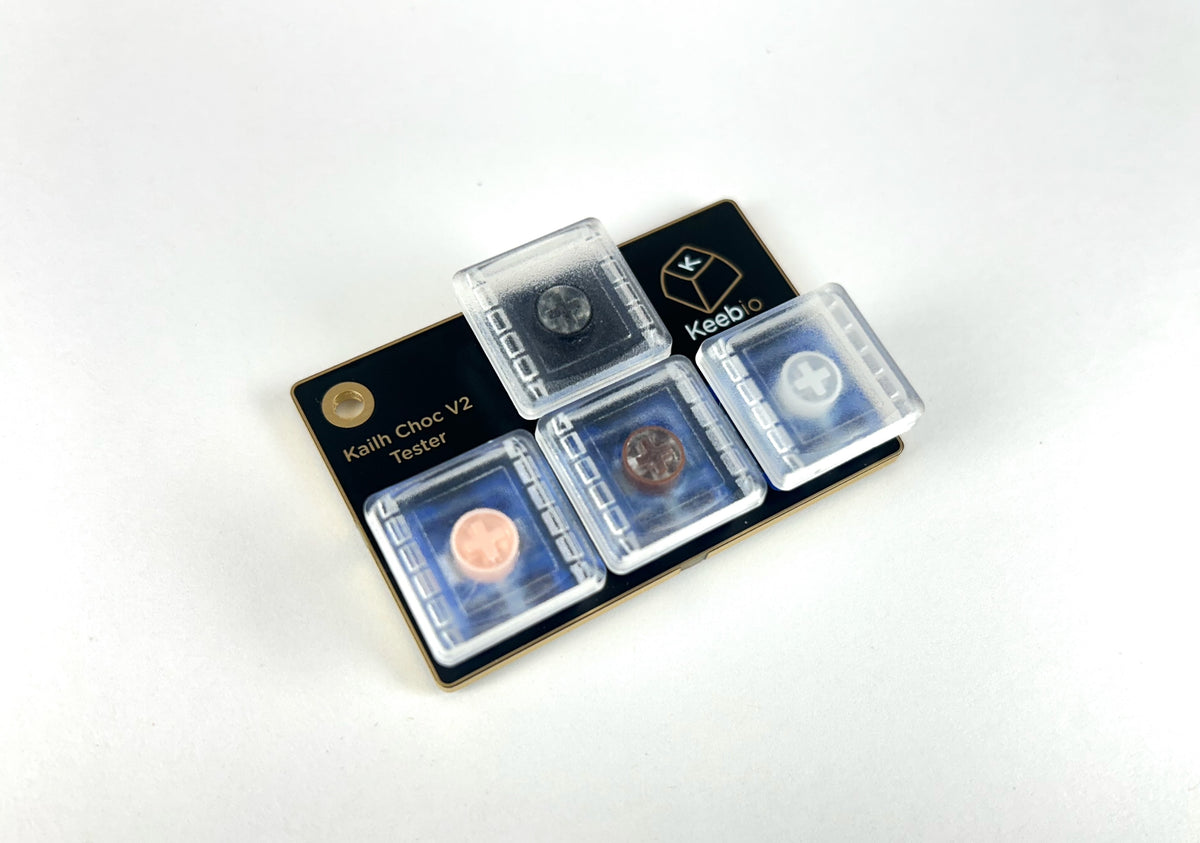
The LM Waypoint is a small switch tester for Kailh Choc V2 switches. It has four of our Choc V2 switches in an inverted-T arrangement, so you can try them all, side by side, before picking switches for an LM board. There's also a keychain hole on it, so it doesn't have to live in a drawer.
BDN9 Rev. 4 (MX and LM versions)
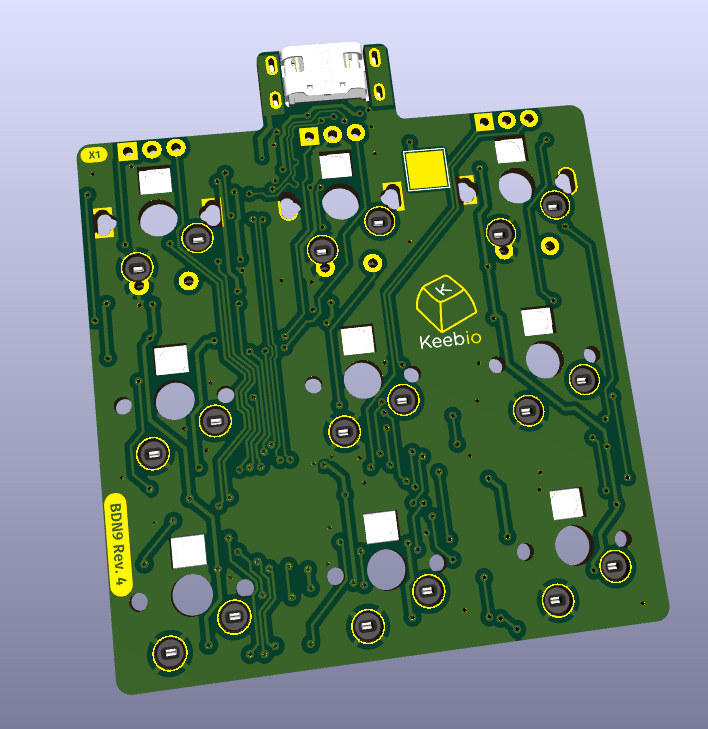
The RGB LEDs on the BDN9 Rev. 4 have been moved to the north side of the switch, so light can now shine through keycaps that have shine-through legends on the north side. There will also be a low-profile LM version of the PCB that supports Kailh Choc V1 and V2 switches.
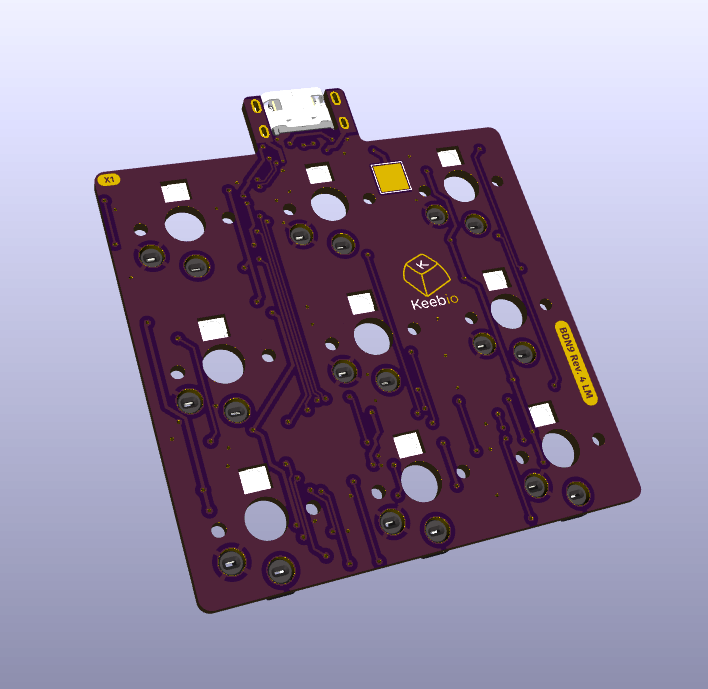
The other big change is the MCU. Rev. 4 uses the STM32L443 instead of the STM32G431 that we've been using lately. The reason for that goes back a few years. During the peak of the pandemic, MCU prices had gone up a bunch and chips were scarce, so I bought a bunch of STM32L443s while they were at a decent price. Then the RP2040 came around, I started designing with them instead, and I never ended up using the STM32L443. So several thousand dollars' worth of microcontrollers just sat on my shelf for five years. Until now. I finally sent them off to a PCB manufacturer, and I'll be working on using them up over time.
Iris SE - 3D-printed Emerald/Violet Case
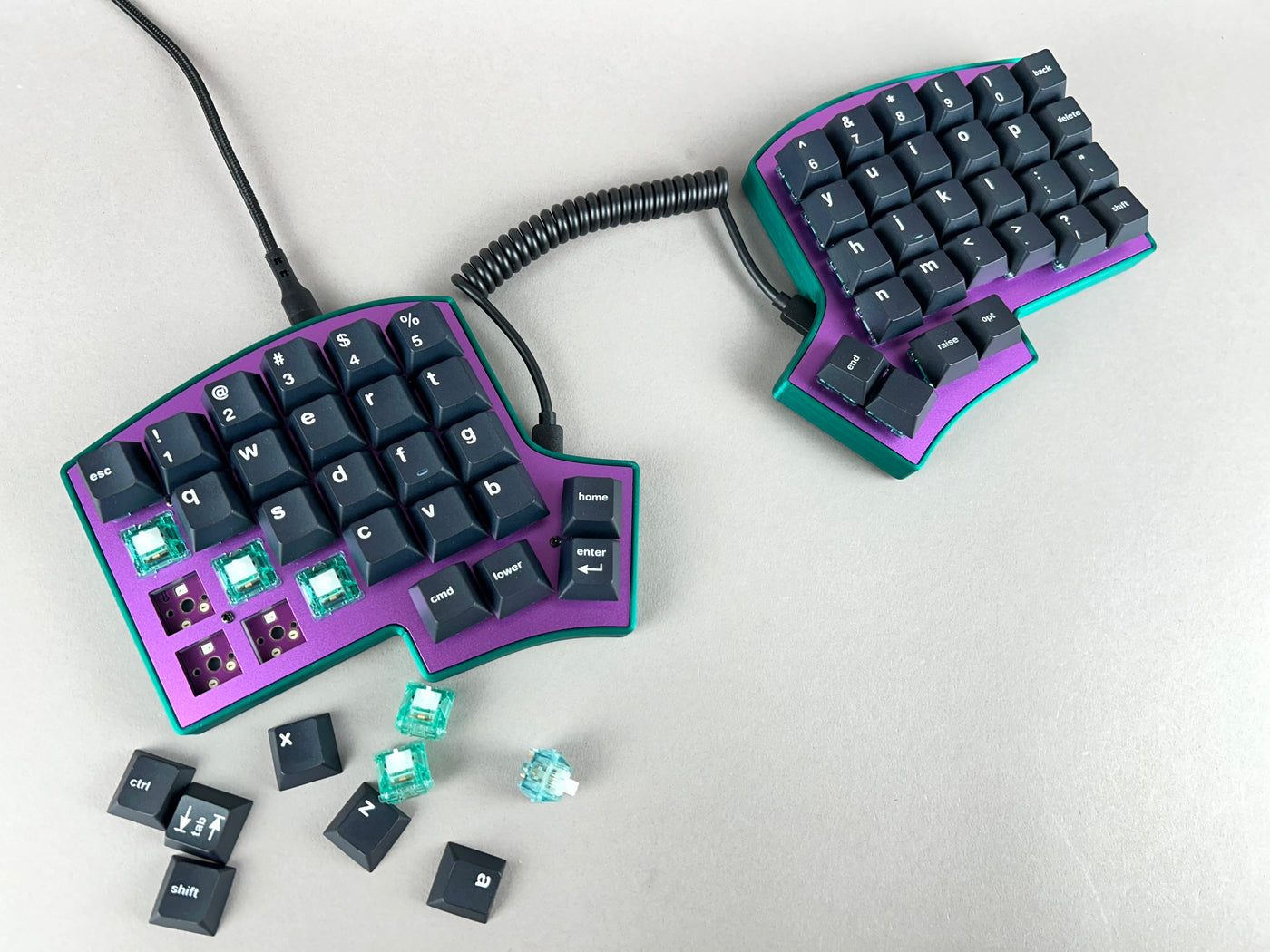
We were accidentally shipped violet Iris SE switch plates instead of lilac ones, so we decided to pair them up with Emerald Green printed cases, and we think they look really great!
Other Updates
VIA Per-Key RGB Customization
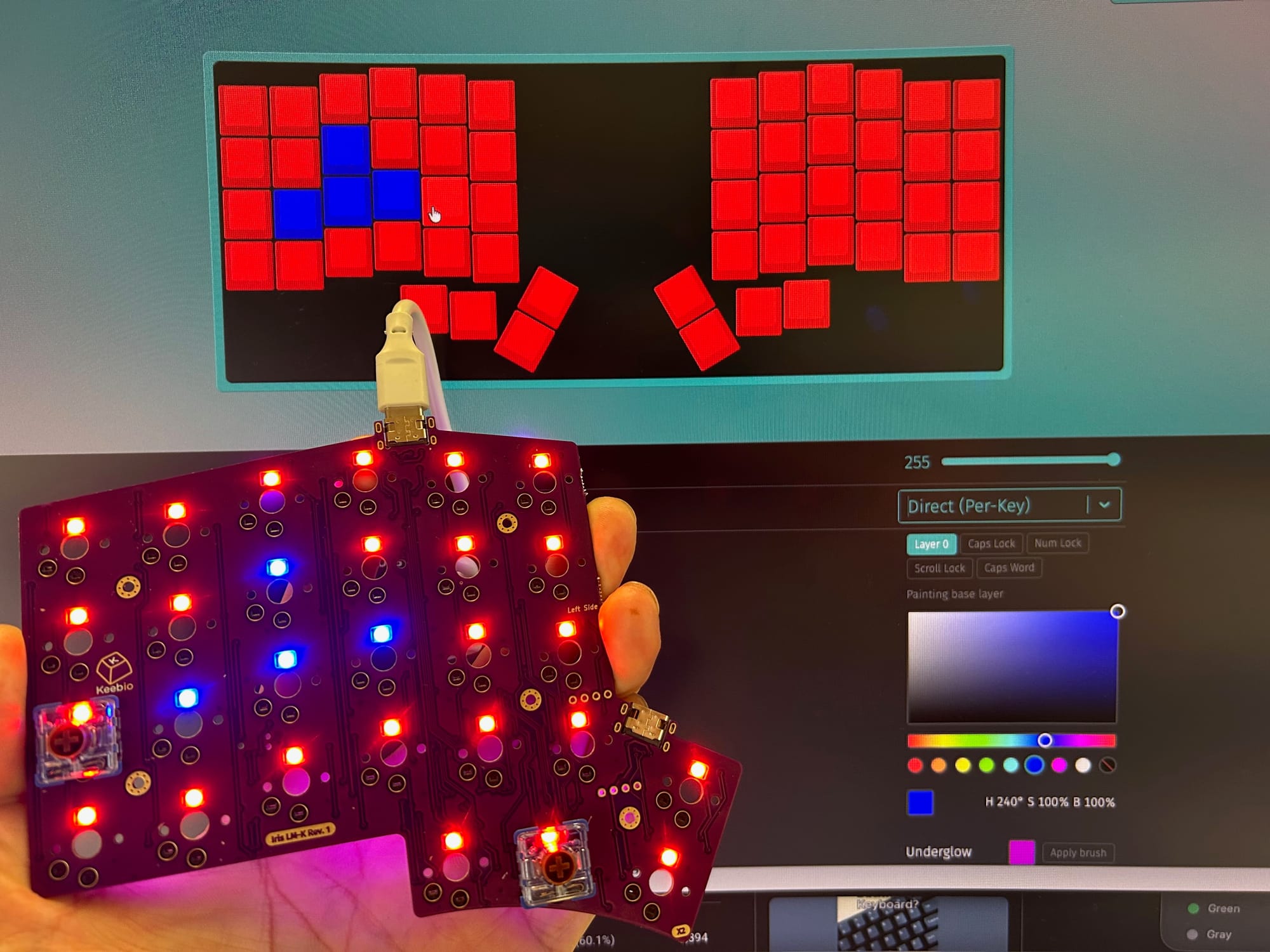
This week, I decided to work on adding per-key RGB customization to VIA, since it's been a frequently requested feature. A new lighting mode labeled as "Direct (Per-Key)" has been added to Keebio's version of VIA. Getting it working meant changing three different pieces: the firmware, the VIA keyboard definitions, and the VIA app itself.
On the firmware side, I created a module that stores the new lighting settings and handles a protocol for sending changes. The keyboard definitions needed custom menus added for the new lighting controls. The VIA app needed more color selection options, since the built-in picker only controls hue and saturation, not brightness. I also made a few other changes to the app, like export/import of lighting settings, editing of status indicator LEDs, and underglow control.
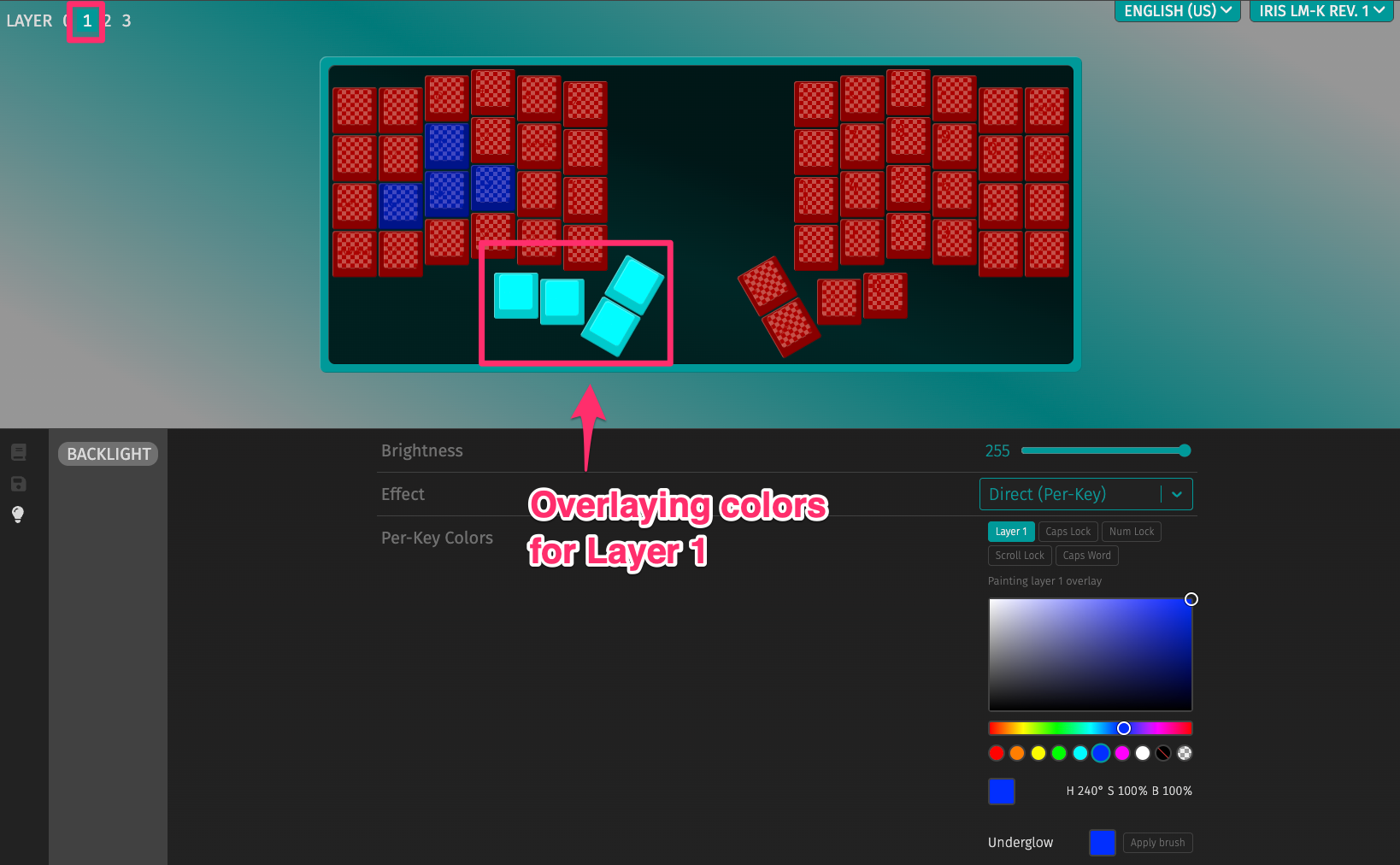
Here's the current feature list:
- Per-key color and brightness
- Lighting layers: Paint your base layer (Layer 0) however you want, then paint overlays on higher layers, similar to how keymaps work. For example, you could go to Layer 1 and paint an overlay on just the WASD keys so they light up differently when you're on that layer.
- Underglow: Controlled as a group rather than individual LEDs, and it can also have different lighting per layer.
- Status indicators: Caps Lock, Num Lock, Scroll Lock, and Caps Word each have their own paintable overlay that can paint over other lighting effects too, not just in Direct per-key mode. Both backlight and underglow can be used for these indicators.
- Import/export: Lighting settings can be exported to a separate JSON file from the keymap.
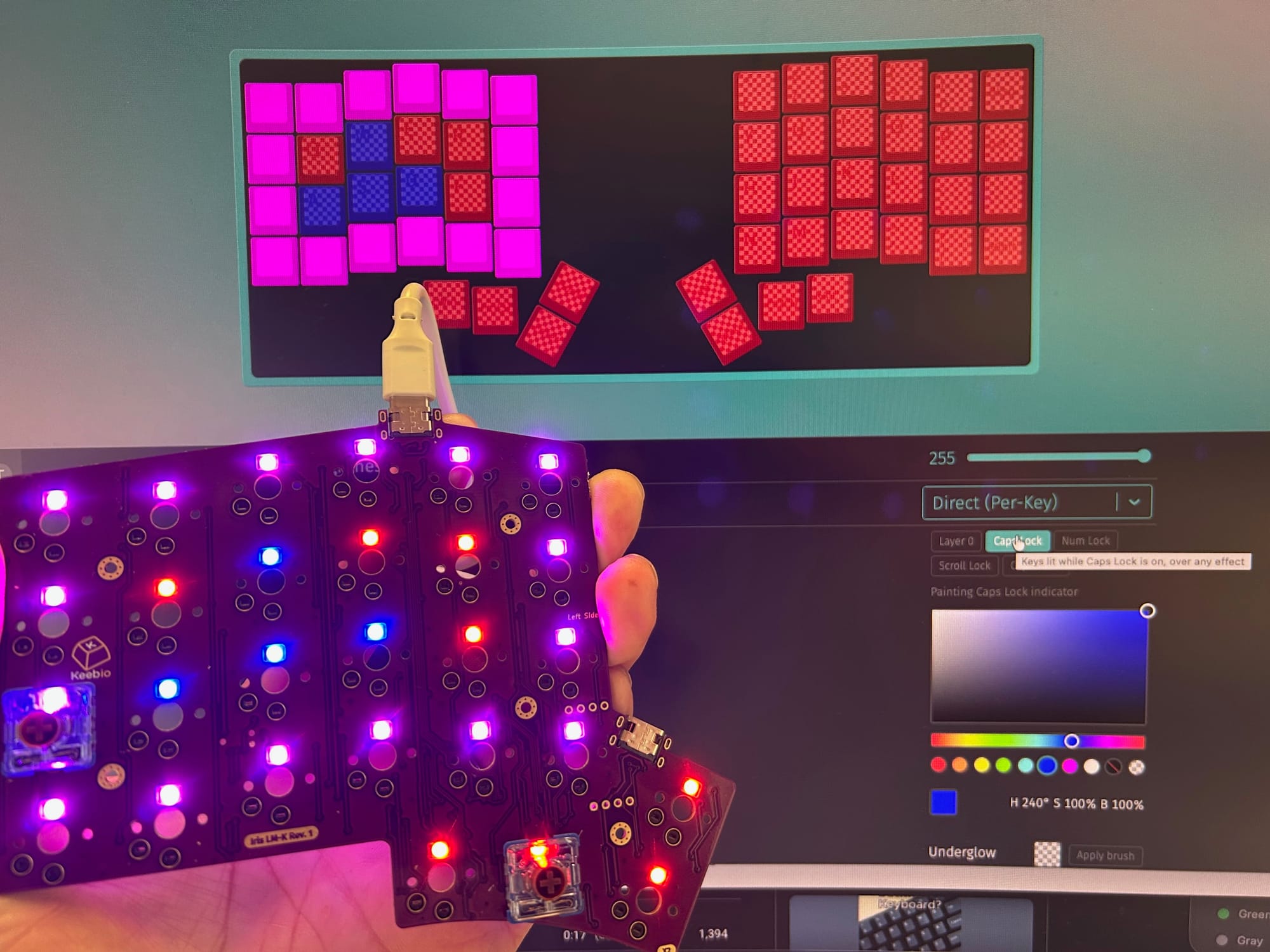
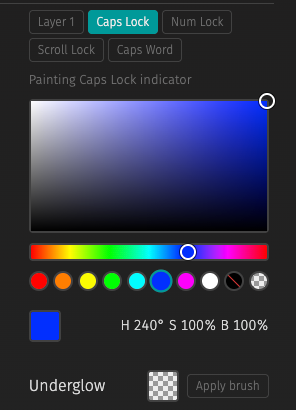
As for merging all of this into the main VIA app, I'm not entirely sure if that will happen yet, but it's a possibility, as I'm in good contact with the current VIA developers. Updated firmware files will be released in about a week, after doing some more testing and finalizing features for per-key RGB controls.
In the future, I plan on adding more features to get VIA closer to parity with other configurators like Vial and Oryx. If there's something you'd like to see, I'm open to suggestions.


Member discussion